14 September Digital Bullet Journal
Digital bullet journaling offers flexibility, portability, and endless customization options. Whether you use an iPad with GoodNotes or Notability, a tablet with Samsung Notes, or a digital planning app, September’s seasonal themes translate beautifully into digital spreads. Below are 14 digital bullet journal ideas for September that will help you organize, create, and reflect.
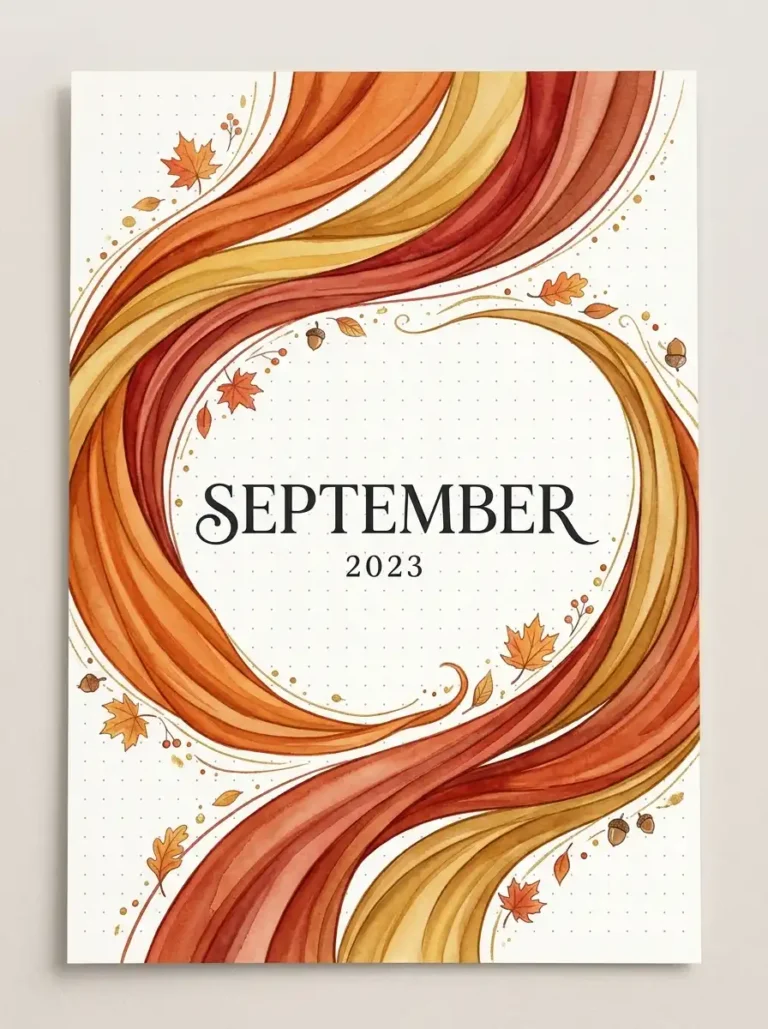
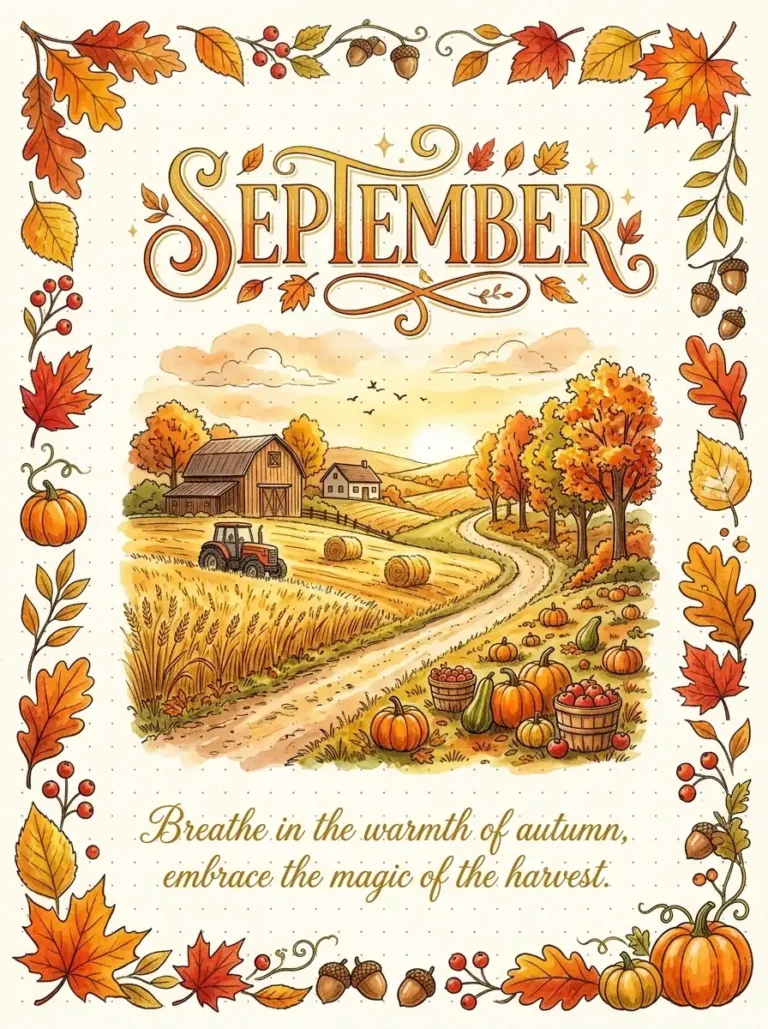
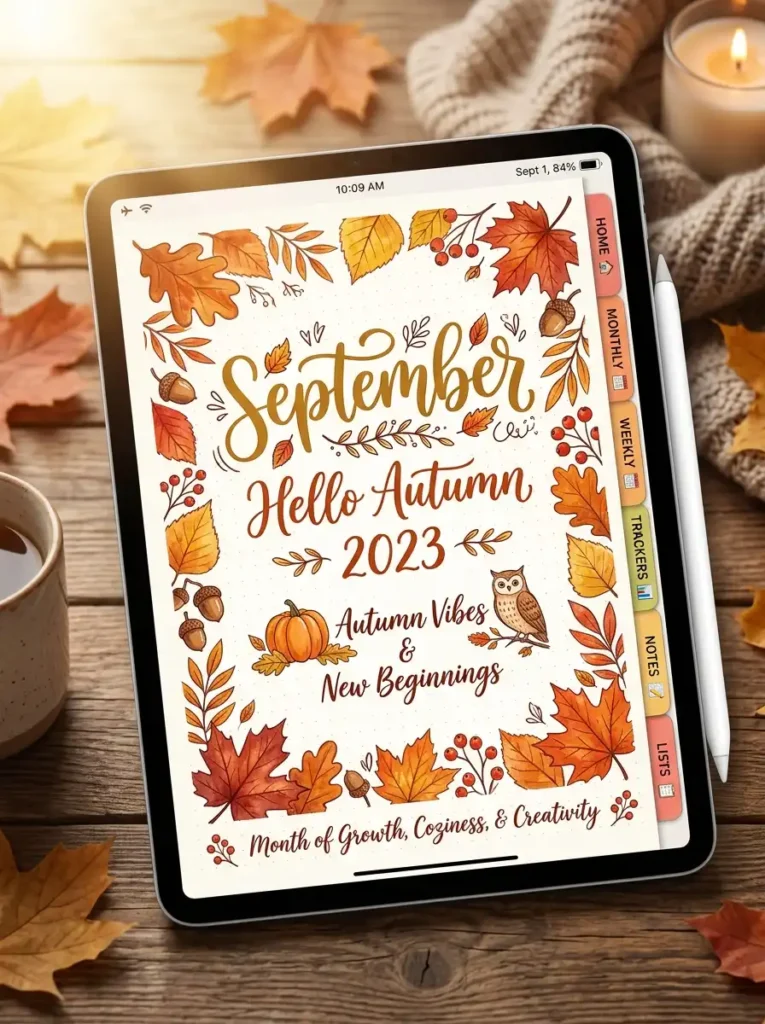
1. The Digital Autumn Cover Page
Create a stunning digital cover page that welcomes September with seasonal beauty. Digital tools allow you to layer images, use custom fonts, and add interactive elements.
Design a cover page featuring autumn leaves, warm golden tones, and elegant lettering. Use digital stickers, pre-made templates, or your own hand-lettering with a stylus. Add hyperlinks to navigate to other sections of your digital journal. Include a quote about change or the beauty of autumn.
QUICK TIPS
- Use a digital brush for watercolor effects.
- Add hyperlinked tabs to other monthly sections.
- Import PNG autumn elements for quick decoration.
2. The Hyperlinked September Calendar
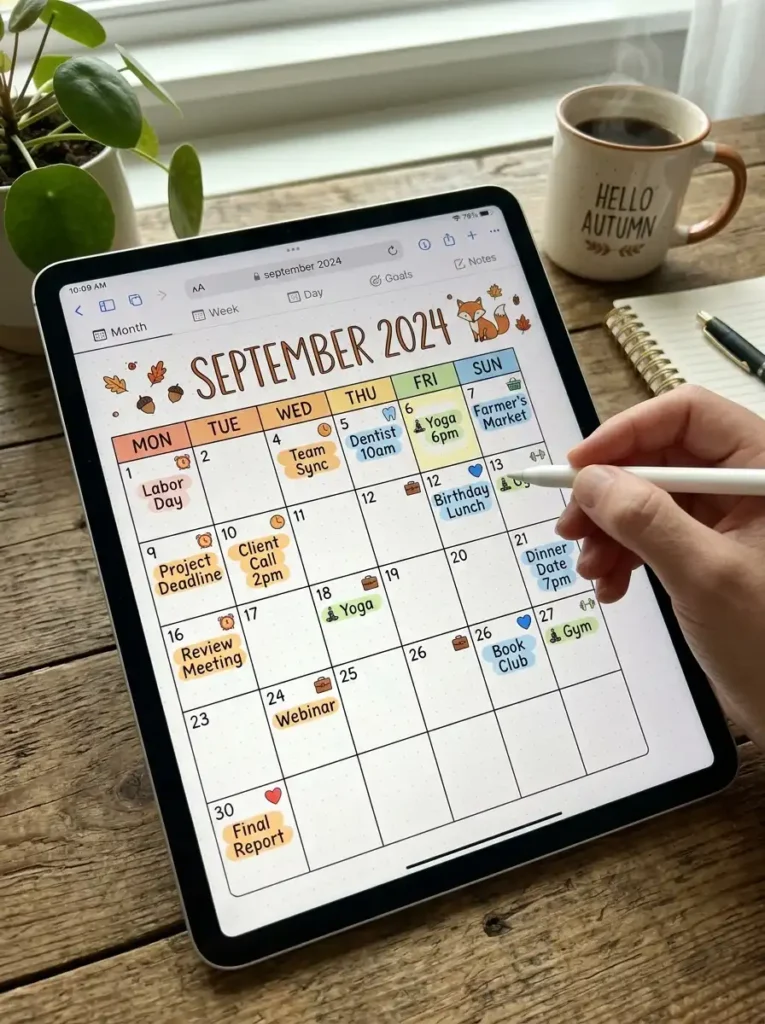
Create an interactive digital calendar where each date is linked to a daily page. This makes navigation seamless and efficient.
Design a calendar grid with each date box as a hyperlink to a daily spread. Use a digital planner template or create your own in an app like GoodNotes. Add color coding for different types of events. Include a notes section and a “quick add” button for tasks.
QUICK TIPS
- Use a digital planner app with hyperlink support.
- Add a “today” button for quick navigation.
- Use different colors for different event types.
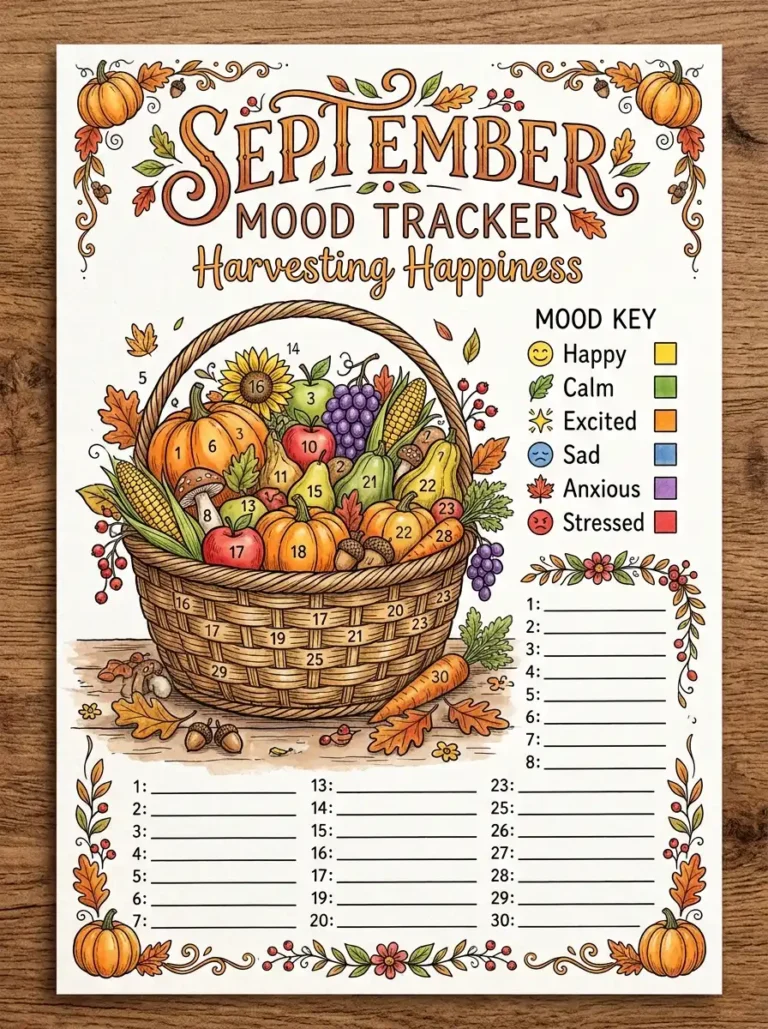
3. The Digital Autumn Mood Tracker
Track your daily emotions with a digital mood tracker that updates with a tap. Digital tools make it easy to add notes, change colors, and view patterns over time.
Create a grid with autumn symbols—leaves, pumpkins, or acorns. Tap or color each symbol daily based on your mood. Use a digital color palette with warm autumn tones. Add a notes section for daily reflections. Review your mood patterns at month-end.
QUICK TIPS
- Use a digital sticker set for quick updates.
- Add a “mood notes” pop-up for each day.
- Export your mood data for pattern analysis.

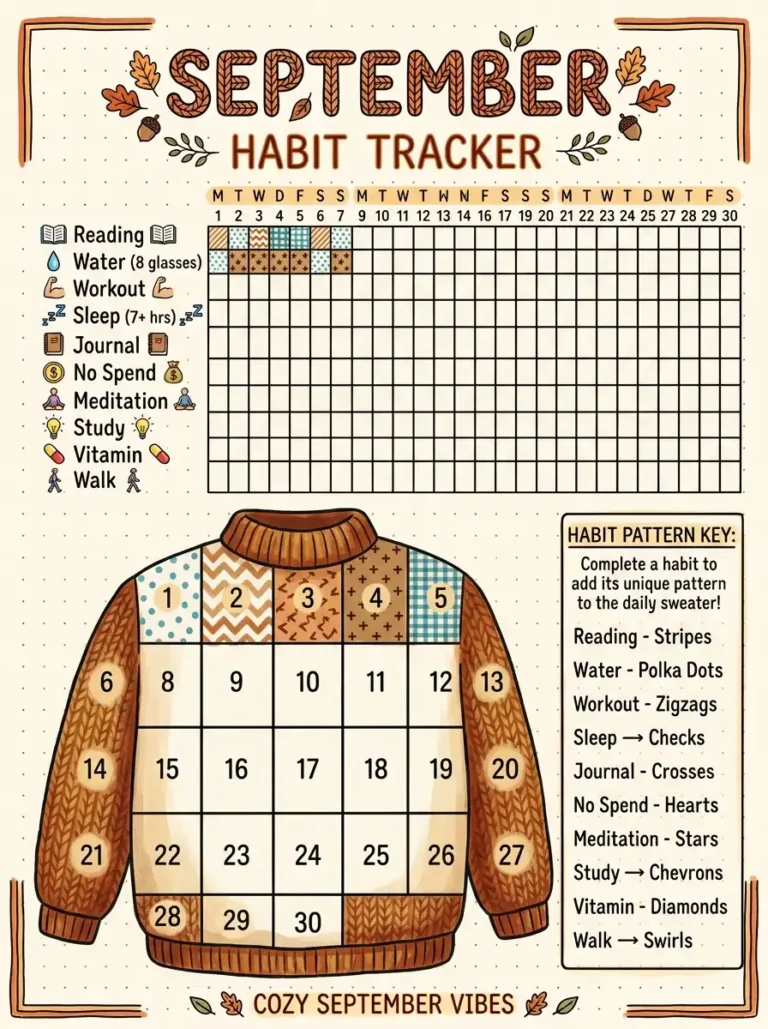
4. The Digital Habit Tracker
Track your habits digitally with a customizable grid. Digital habit trackers are easy to update, duplicate, and analyze over time.
Create a grid with habits down the side and days across the top. Use a tap-to-fill system for quick updates. Add color coding for different habits. Include a streak counter and a monthly summary section. Set reminders for habit completion.
QUICK TIPS
- Use a template that auto-calculates totals.
- Add a habit notes section for insights.
- Sync with your device’s reminders app.

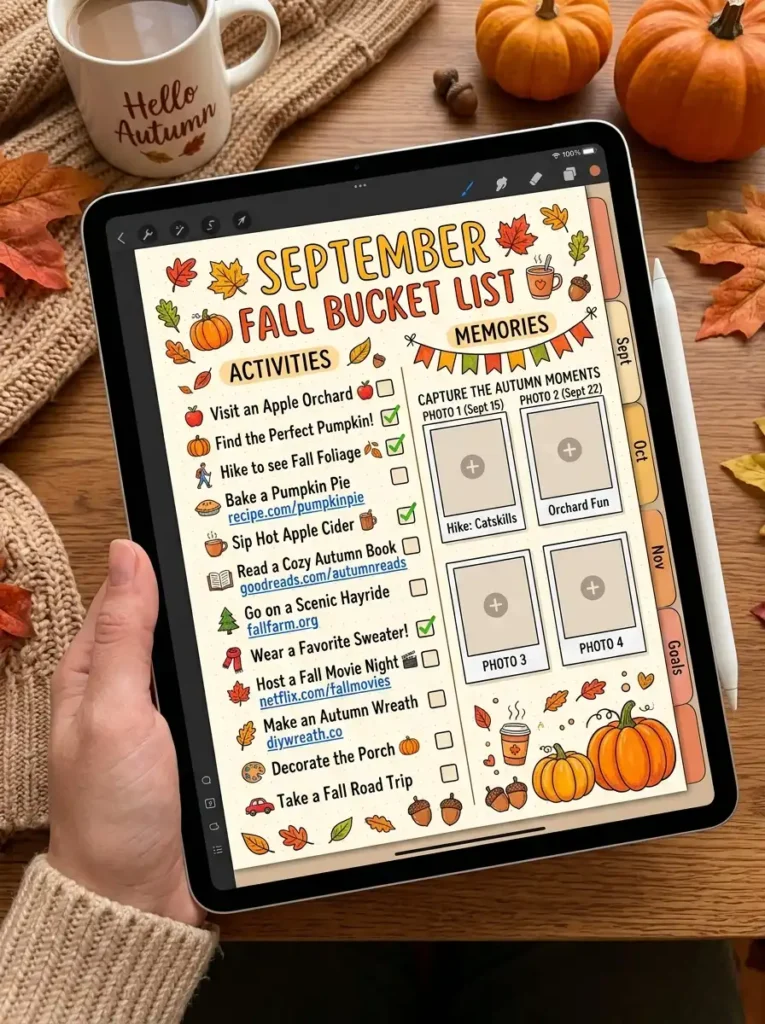
5. The Digital Fall Bucket List
Create an interactive fall bucket list that you can update and check off with a tap. Digital tools make it easy to add photos and links.
List autumn activities with digital checkboxes. Add links to recipes, event websites, or location maps. Include a photo section for memories. As you complete activities, add photos and notes. Review your bucket list at the end of the season.
QUICK TIPS
- Add links to YouTube tutorials for crafts.
- Insert location pins for nearby activities.
- Create a “completed” section for memories.
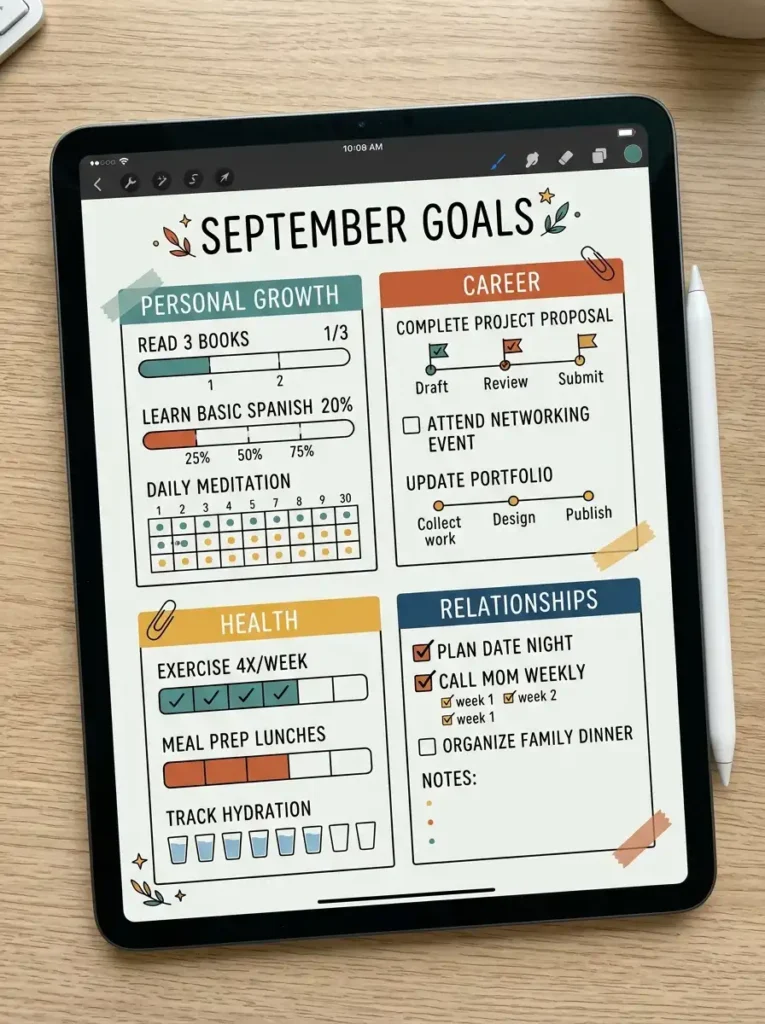
6. The Digital Goal Setting Spread
Set your September goals digitally with layered planning. Digital tools allow you to track progress with visual indicators.
Create sections for different goal categories—Personal Growth, Career, Health, Relationships, Home. For each goal, add a progress bar or a rating scale. Use digital stickers to mark milestones. Include a “weekly check-in” section for monitoring progress.
QUICK TIPS
- Use progress bars for visual tracking.
- Add a “why this matters” note for motivation.
- Link to related resources or documents.
7. The Digital Self-Care Autumn Spread
Create a digital self-care spread with interactive elements for tracking and reflection. Digital tools make it easy to add resources and reminders.
Create sections for Physical, Emotional, Social, and Creative self-care. Add checkboxes for activities completed. Include links to meditation apps, exercise videos, or recipes. Add a “cozy corner” for daily reflections and gratitude notes.
QUICK TIPS
- Embed YouTube videos for guided meditations.
- Add hyperlinks to calming playlists.
- Use a digital mood wheel for check-ins.

8. The Digital Reading Log
Track your September reading digitally with a log that includes reviews, ratings, and reading goals. Digital tools make it easy to search and export your reading data.
List books you’re reading or plan to read. For each book, note: Title, Author, Start Date, Finish Date, Rating, and Review. Add a progress bar for books in progress. Include a reading goal counter and a link to your Goodreads or library account.
QUICK TIPS
- Use a barcode scanner app to add books quickly.
- Embed links to book trailers or reviews.
- Add a “to be read” list with priority rankings.

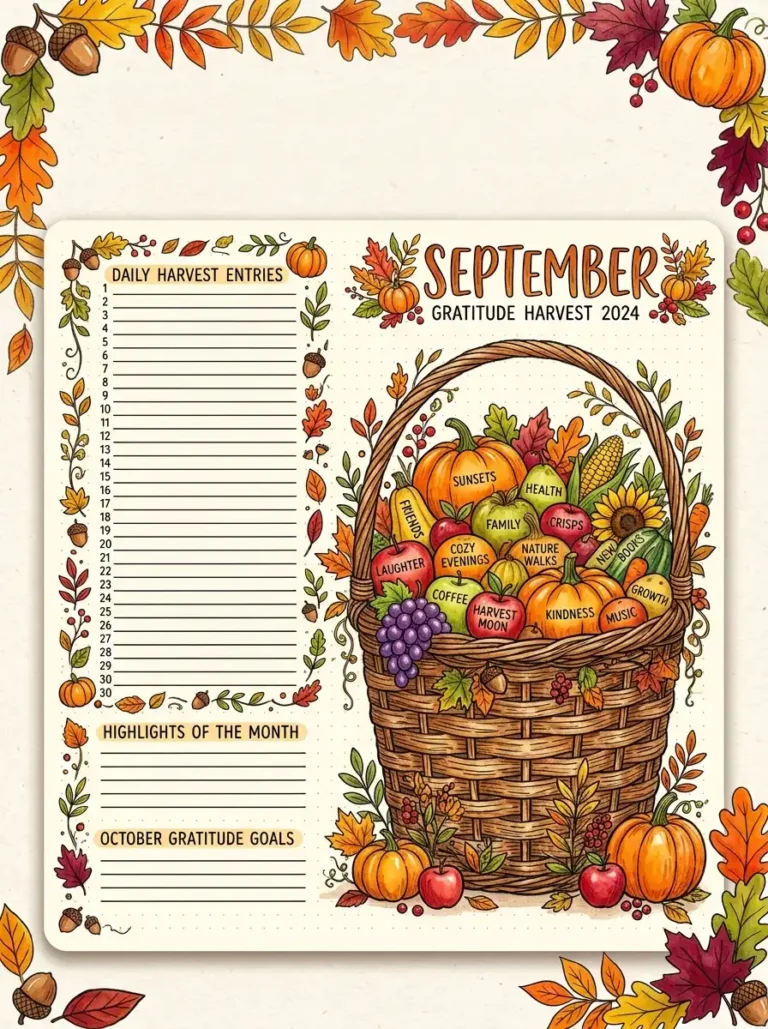
9. The Digital Gratitude Harvest
Create a digital gratitude log with a harvest theme. Digital tools make it easy to add images, emojis, and color.
Draw or import a digital basket or cornucopia. For each day, add a gratitude entry with a small fruit or vegetable symbol. Use warm colors and autumn stickers. Add a photo section for moments of gratitude. By month’s end, review your entries for a mood boost.
QUICK TIPS
- Use emojis for quick gratitude entries.
- Add a monthly gratitude collage.
- Export entries to a journaling app for long-term storage.

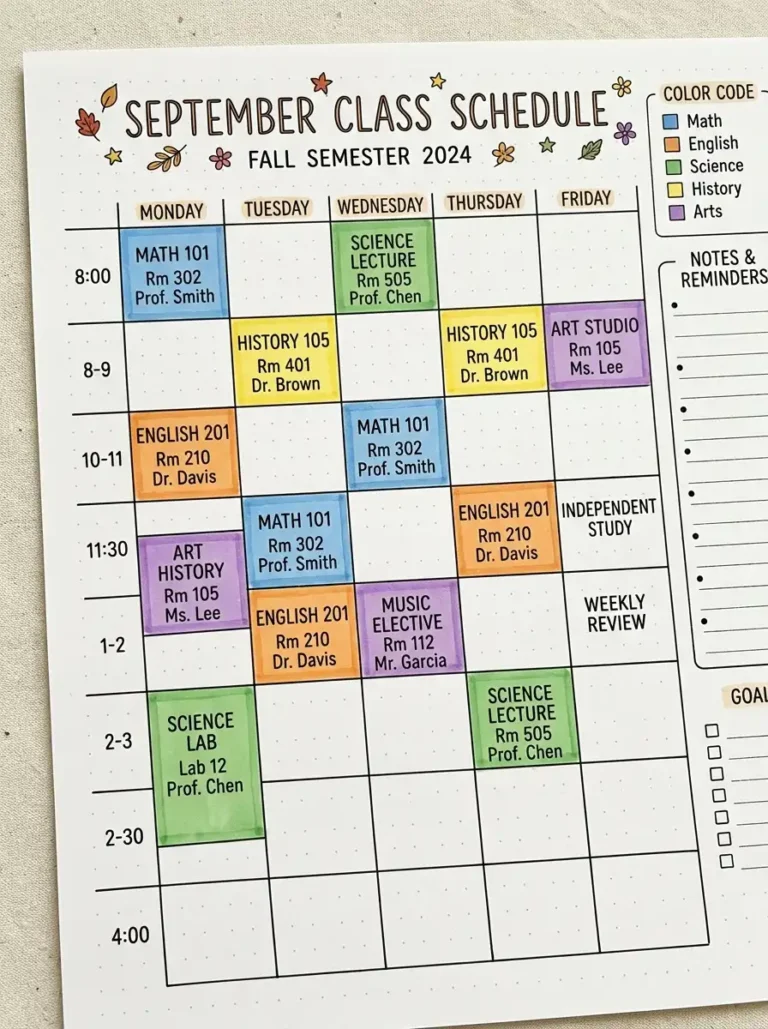
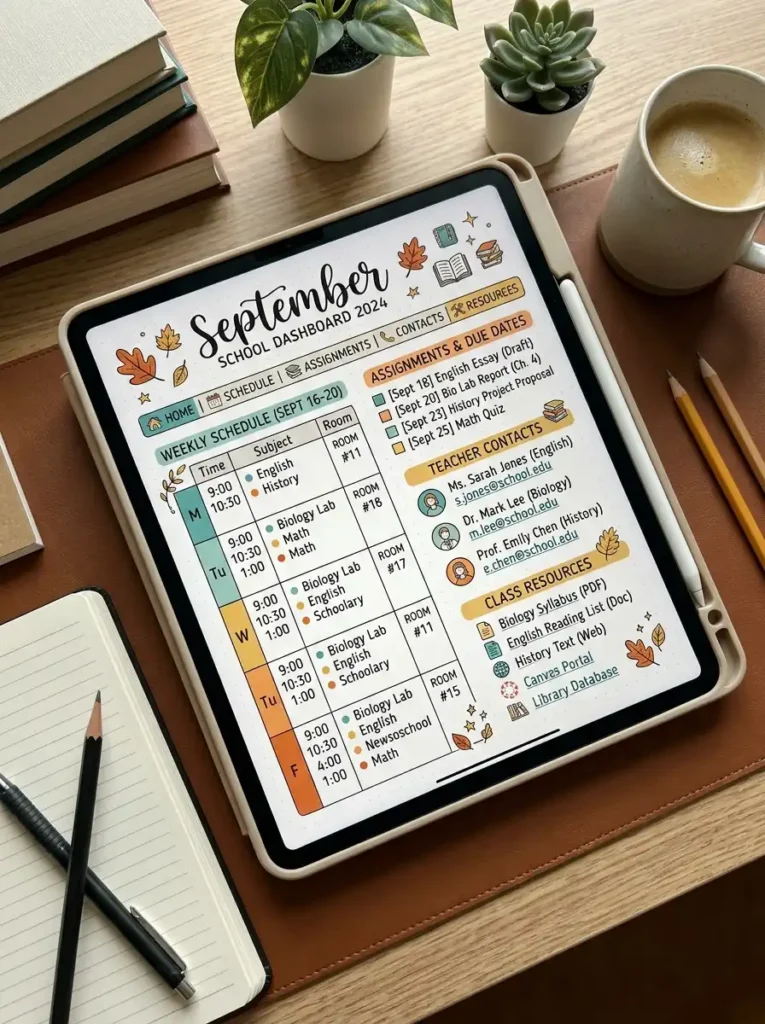
10. The Digital School Dashboard
Create a digital dashboard for school or work that centralizes all your academic information in one place.
Include sections for: Class Schedule (with links to online classes), Assignment Tracker (with deadlines), Teacher Contacts (with email links), and Resources (with links to portals and study materials). Add a “today’s focus” section and a to-do list. Use hyperlinks for quick navigation.
QUICK TIPS
- Link directly to your school’s online portal.
- Add a countdown to exam dates.
- Use a checklist for daily priorities.
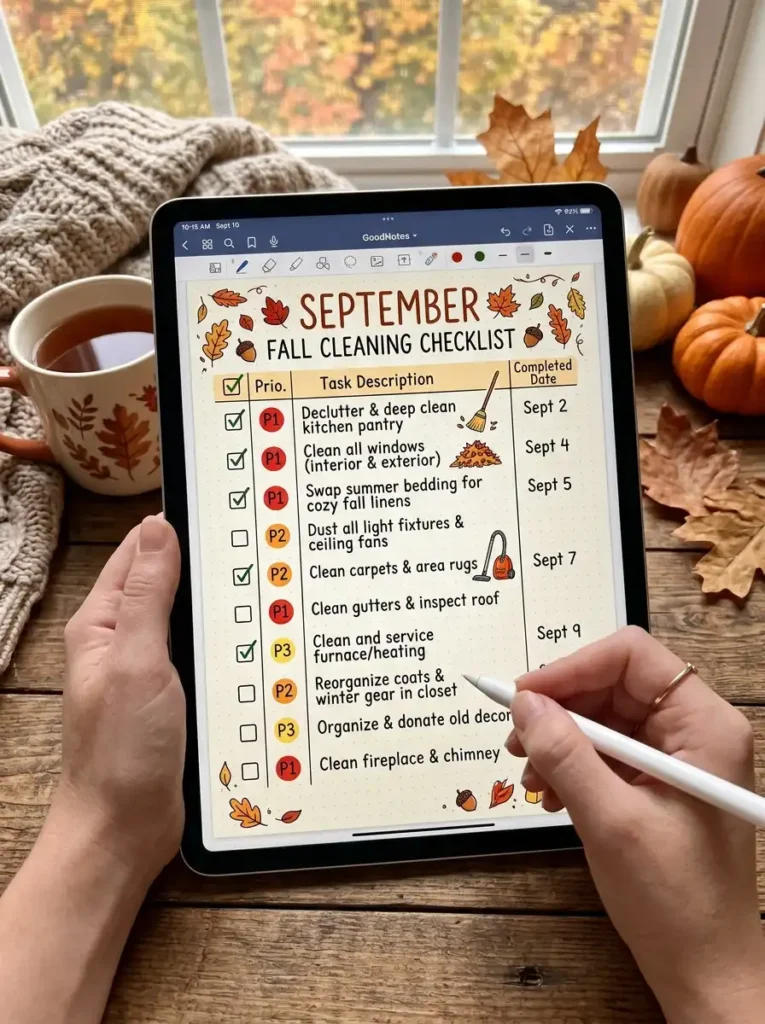
11. The Digital Fall Cleaning Checklist
Create a digital fall cleaning checklist that you can update and check off with a tap. Digital tools make it easy to create repeating tasks and set reminders.
List cleaning tasks by room—Living Room, Kitchen, Bedroom, Bathroom, and Outdoor Spaces. Add checkboxes and priority indicators. Include a “done” date and notes for each task. Set reminders for deep cleaning tasks.
QUICK TIPS
- Add a photo reference for “before and after.”
- Set repeating tasks for weekly cleaning.
- Use a timer feature for focused cleaning sessions.
12. The Digital Fall Fashion & Style Board
Create a digital style board for your fall wardrobe. Digital tools make it easy to add images, create collages, and link to online stores.
Create sections for: Wardrobe Staples (with images), Color Palette (with swatches), Inspiration (from Pinterest or Instagram), and Shopping List (with links to online stores). Add a “try-on” section with outfit combinations.
QUICK TIPS
- Use screenshots from online stores.
- Create outfit collages with drag-and-drop.
- Add links to purchase items.

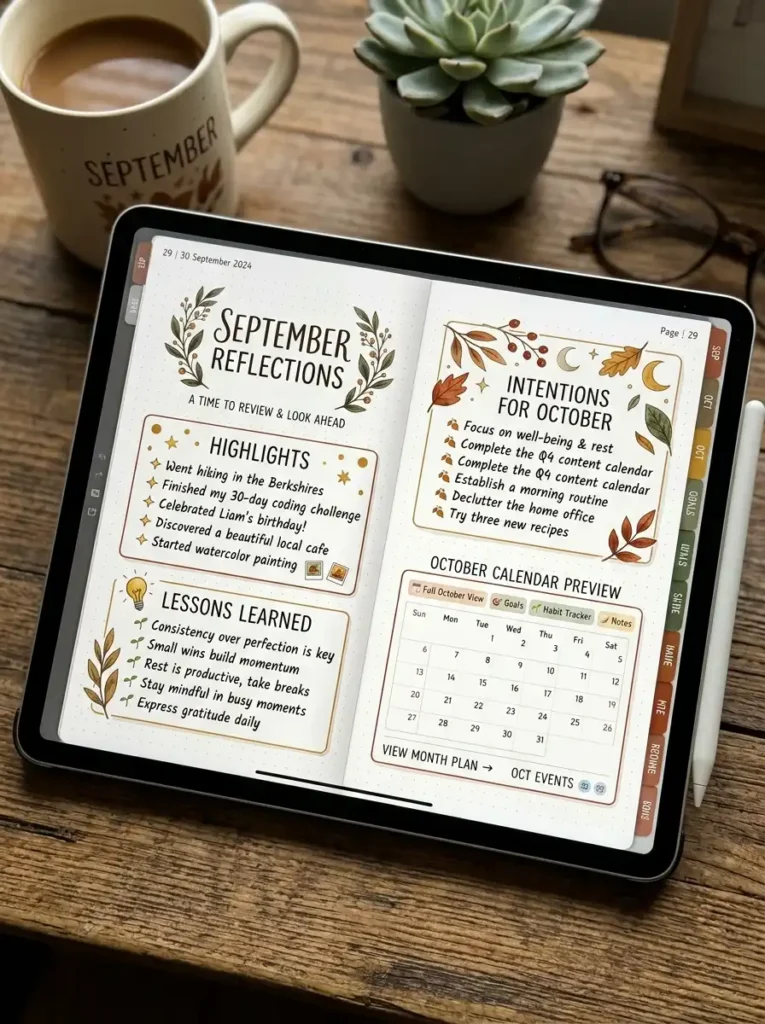
13. The Digital Reflections & October Preview
Create a digital reflection spread that honors September and looks ahead to October. Digital tools make it easy to add photos and hyperlinks.
Include sections for: September Highlights (with photos), Autumn Lessons (key takeaways), What I’m Carrying Forward, and October Preview (with hyperlinked calendar). Add a “gratitude summary” for the month. Use a warm autumn color palette.
QUICK TIPS
- Add a slideshow of September photos.
- Link to your October cover page.
- Export the page as a memory keepsake.
14. The Digital Journaling Prompts Page
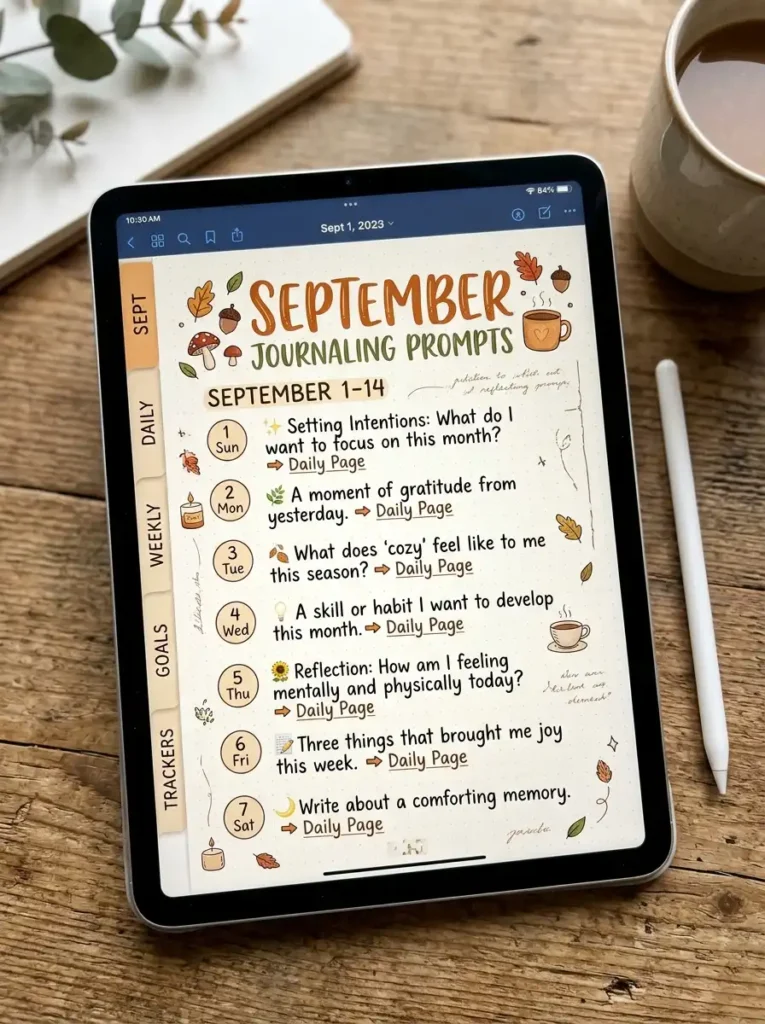
Create a page of September journaling prompts that link to daily entries. This keeps you consistent with reflection and self-discovery.
List journaling prompts like: “What does autumn mean to me?”, “What am I harvesting this month?”, “What transition am I navigating?”, and “What are three things I’m grateful for today?” Add a hyperlink from each prompt to a corresponding daily page. Include a space for quick notes.
QUICK TIPS
- Add a new prompt each week.
- Link prompts to related mood or habit trackers.
- Export prompts for future months.
Final Thoughts
Digital bullet journaling offers flexibility, creativity, and endless possibilities. September’s transition to autumn is a beautiful theme to explore digitally—whether you’re a student, a professional, or someone simply enjoying the season’s change. With digital tools, you can create interactive, colorful, and personalized spreads that evolve with your needs.
Start with a few digital spreads that resonate with you. Explore the features of your digital journaling app, experiment with hyperlinks and stickers, and find a system that supports your productivity and creativity. Your digital BuJo is a flexible companion for your September journey.